





A parked car can take plenty of damage without anybody being around to see it happen. Hail, wind-blown debris, falling branches, parking-lot collisions, and break-ins can all leave an owner returning to a damaged vehicle with more questions than answers. WOLFBOX G900Pro adds front-and-rear recording with parking monitoring for those unattended periods.[1]
Parking mode is useful because it can document an incident rather than pretending to prevent one. WOLFBOX G900Pro cannot stop a branch from landing on the hood or somebody from breaking a window, but time-lapse recording and impact-triggered file locking can help preserve evidence around an event.[2] That distinction matters when choosing the best dash cam for parking mode in 2026.
The Short Answer
Good parking mode needs more than a camera that simply stays switched on. WOLFBOX G900Pro supports time-lapse parking recording, which captures frames at a reduced rate over a longer period, and G-sensor impact detection, which reacts to a physical jolt.[2] Parking monitoring requires a compatible hardwire kit connected to the vehicle's electrical system.[2]
Different parking incidents need those features in different ways. WOLFBOX G900Pro can use time-lapse footage to provide context around a storm or suspicious activity, while the G-sensor can lock the relevant video file after a sudden impact.[2] Hail, falling debris, and a break-in are very different events, so one type of recording alone does not cover every scenario equally well.
How Does Dash Cam Parking Mode Work?
Parking mode needs power after the driver walks away from the car. WOLFBOX G900Pro uses a compatible hardwire kit to stay connected to the vehicle's electrical system after the ignition is switched off.[2][4] The current hardwire kit also includes low-voltage protection and is rated to cut power after 60 seconds below 11.8V ±0.2V, reducing the risk of excessive battery discharge.[3]
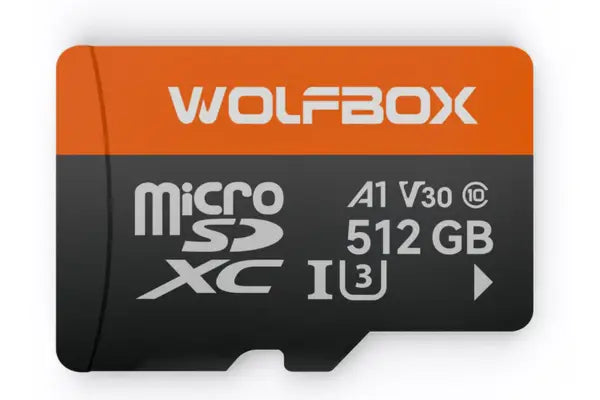
Parking footage also needs a way to manage hours of recording without filling the memory card immediately. WOLFBOX G900Pro uses loop recording, which automatically overwrites older unlocked footage as storage fills, while G-sensor event files can be locked against normal overwrite.[1][2] WOLFBOX G900Pro supports microSD memory cards up to 512GB.[1]
Storm Season Changes What Parking Mode Needs to Capture
Late summer and early fall are a logical time to think about what happens to a car while it is parked. WOLFBOX G900Pro enters that seasonal conversation around the period when Atlantic hurricane activity is historically highest, with the National Hurricane Center identifying September 10 as the climatological peak and most activity occurring between mid-August and mid-October.[9]
Storm damage does not always arrive as one dramatic impact. With parking mode enabled, WOLFBOX G900Pro may be recording while a vehicle sits under trees, beside loose outdoor furniture, near construction material, or in a crowded lot where people are moving cars and preparing for bad weather.[2] In those situations, footage from before or after the damage can be just as useful as the exact impact.
Hail: Continuous Context Matters More Than a Single Trigger
Hail is a good example of why an impact sensor should not be treated as a guaranteed trigger. WOLFBOX G900Pro uses a G-sensor to detect collisions or physical impacts, but the available specifications do not promise that every hail strike will create a locked event file.[2] Time-lapse parking recording can instead provide a broader record of conditions around the vehicle while the storm passes.[2]
Hail footage can still be useful without showing every dent as it forms. WOLFBOX G900Pro records through front- and rear-facing cameras, so the video may help establish when severe weather arrived or whether larger debris was moving through the area.[1] Other body panels can still remain outside the cameras' direct view.
Falling Branches and Debris: Where the G-Sensor Helps
A sudden heavy impact is where G-sensor recording starts to make more sense. WOLFBOX G900Pro can lock the relevant file when the sensor detects a significant jolt, helping preserve footage around a falling branch, wind-blown object, or another vehicle striking the parked car. Sudden hits are a more natural use case for impact detection than relying on a series of lighter contacts.[2]
An off-camera impact can still leave useful context. WOLFBOX G900Pro may capture nearby vehicles, people, weather conditions, or the moments immediately before and after the impact through the front and rear cameras.[1] That can help when the physical damage alone does not explain what happened.
Break-Ins and Vandalism: Know What the Cameras Can See
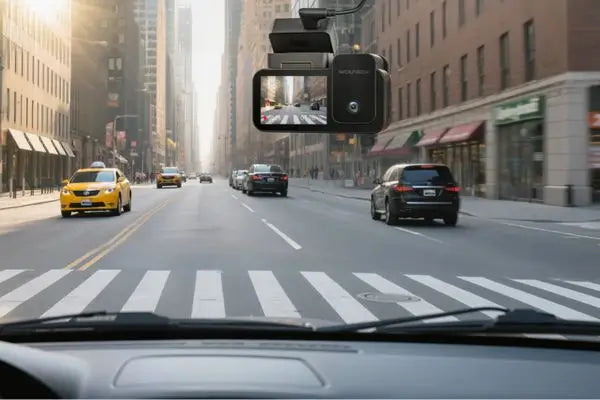
Parking mode can document suspicious activity without turning the vehicle into a complete security system. WOLFBOX G900Pro records through front- and rear-facing cameras, so a person or vehicle approaching from those directions may appear in time-lapse footage before or after an incident.[1][2] A strong impact during a break-in may also trigger the G-sensor and lock the associated recording.[2]
Front-and-rear coverage still leaves blind spots around the vehicle. WOLFBOX G900Pro is a two-camera front-and-rear system rather than a three-channel setup with a dedicated cabin camera.[1] Drivers who specifically want rideshare-style interior recording or broader side coverage should consider a different camera layout.
Storage Matters When the Car Sits for Hours
Long parking periods create a different storage problem from normal driving. WOLFBOX G900Pro supports microSD memory cards up to 512GB and uses loop recording to replace older unlocked footage as the card fills.[1][2] WOLFBOX specifically recommends the 512GB capacity for extended trips or time-lapse parking recording.[2]
Local storage keeps the system simple but changes how footage is retrieved. The WOLFBOX G900Pro supports 5.8GHz Wi-Fi and app control, allowing recorded footage to be accessed and transferred to a smartphone without removing the microSD card.[6] The G900Pro does not use a 4G connection or cloud-based remote monitoring, so footage is stored locally and accessed when you are near the dash cam.[5]
Footage Still Needs Enough Detail to Be Useful
Parking footage only helps if the recording contains enough information to examine afterward. WOLFBOX G900Pro uses a Sony STARVIS IMX678 front sensor with native 8-megapixel front resolution.[1] For exported video files, 4K refers to a resolution of at least 3840 × 2160; TechRadar reports 3840 × 2160 front recording and 2560 × 1440 (2.5K) rear recording.[5]
Published reviews also support the G900Pro's image quality. WOLFBOX G900Pro received strong praise from TechRadar for both front- and rear-camera video, while Pocket-lint highlighted the high-resolution cameras and Sony STARVIS 2 IMX678 hardware.[4][5] Pickup Truck Talk and USA Today also describe the WOLFBOX G900Pro as using a 4K front and 2.5K rear-camera setup.[7][8]
When the WOLFBOX G900Pro Is Not the Right Choice
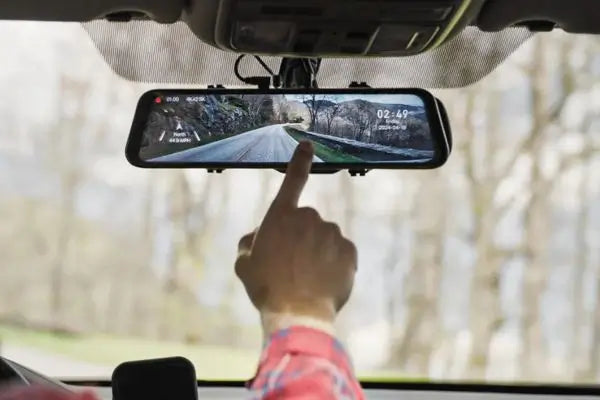
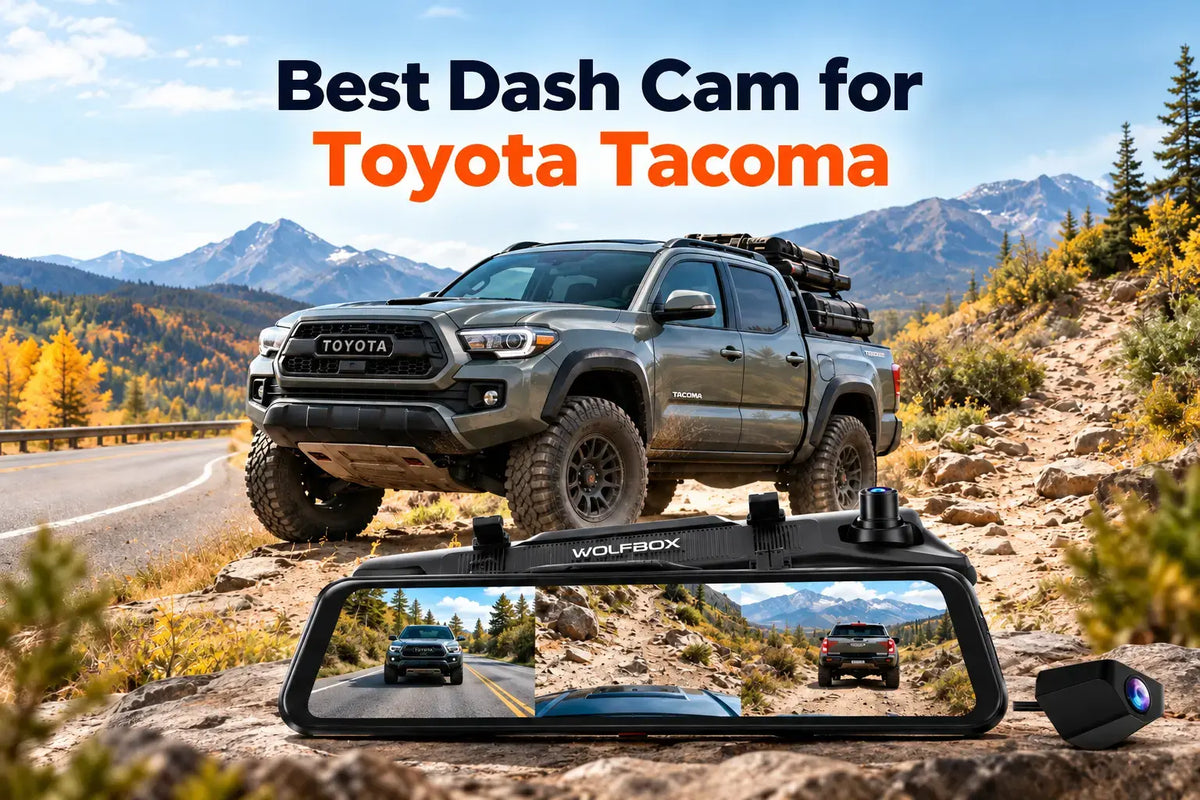
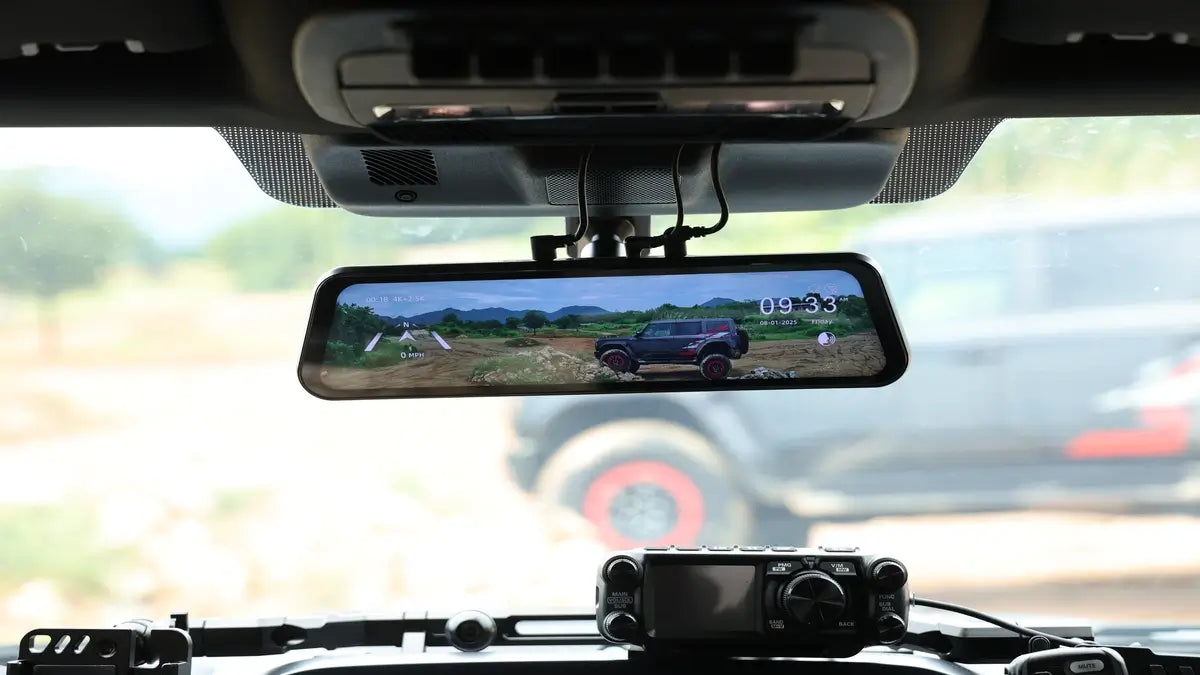
The WOLFBOX G900Pro is not the ideal parking camera for every vehicle or every type of surveillance. WOLFBOX G900Pro uses a 12-inch mirror-style display and a front-and-rear two-camera layout, while Pocket-lint and TechRadar both noted that the large mirror unit can be awkward in some smaller vehicles.[1][4][5] Drivers who want a tiny hidden camera, dedicated cabin recording, side-facing coverage, or automatic 4G cloud access should look at a different type of dash cam.[5]
Final Verdict
The best parking-mode setup for storm season records realistically instead of promising impossible protection. WOLFBOX G900Pro combines time-lapse parking recording, G-sensor impact detection, front-and-rear cameras, loop recording, support for up to 512GB of storage, and hardwired low-voltage protection.[1][2][3] Those features can help document storm conditions, debris impacts, parking-lot collisions, and some break-in activity while the vehicle is unattended.
Storm season makes parking mode especially useful because the important moment often happens when nobody is sitting in the car. WOLFBOX G900Pro is a strong choice for drivers who want a mirror-style dash cam that continues gathering evidence after the ignition is off, provided the system is properly hardwired and the limits of front-and-rear coverage are understood.[1][2]
Frequently Asked Questions
How does parking mode work on the WOLFBOX G900Pro?
Parking mode keeps WOLFBOX G900Pro active after the ignition is switched off through a compatible hardwire connection.[2] The system combines time-lapse parking recording with G-sensor impact detection.[2]
Does the WOLFBOX G900Pro need a hardwire kit for parking mode?
Yes. WOLFBOX G900Pro parking monitoring requires a compatible hardwire connection to the vehicle's electrical system.[2]
Can the WOLFBOX G900Pro record hail damage?
Yes, with limitations. WOLFBOX G900Pro time-lapse parking recording can document storm conditions around the vehicle, but the available specifications do not guarantee that every hail strike will trigger the G-sensor and create a locked event file.[2]
Will the WOLFBOX G900Pro record a break-in?
Yes, with limitations. WOLFBOX G900Pro covers the front and rear of the vehicle and can preserve impact-triggered footage, but the two-camera system does not provide dedicated cabin or side-camera coverage.[1][2]
Does parking mode drain the car battery?
Parking mode uses vehicle battery power, but low-voltage protection is designed to limit excessive discharge. WOLFBOX G900Pro uses a hardwire kit rated to cut power after 60 seconds below 11.8V ±0.2V rather than continuing to operate as battery voltage keeps falling.[3]
References
[1] WOLFBOX, "WOLFBOX G900Pro" — Official Product Page
[2] WOLFBOX, "Dash Cam Parking Mode & Security Guide: Best Setup for 2026" — WOLFBOX Parking Mode Guide
[3] WOLFBOX, "WOLFBOX Dash Cam Hardwire Kit for G900Pro" — Hardwire Kit Product Page
[4] Pocket-lint, "Wolfbox G900 Pro Mirror Dash Cam Review" — Pocket-lint Review
[5] TechRadar, "Wolfbox G900 Pro Dash Cam Review" — TechRadar Review
[6] IBTimes UK, "Night Drives, No Problem: How the Wolfbox G900Pro Sees What Others Miss" — IBTimes UK Article
[7] Pickup Truck Talk, "Wolfbox Debuts G900 Pro Dashcam Bundle Just in Time for Trailer Season" — Pickup Truck Talk Article
[8] USA Today, "Score 29% Off This Dash Cam System Just in Time for Memorial Day Travel" — USA Today Article
[9] National Hurricane Center, "Tropical Cyclone Climatology" — NHC Climatology Page

Leave a comment
All comments are moderated before being published.
This site is protected by hCaptcha and the hCaptcha Privacy Policy and Terms of Service apply.