






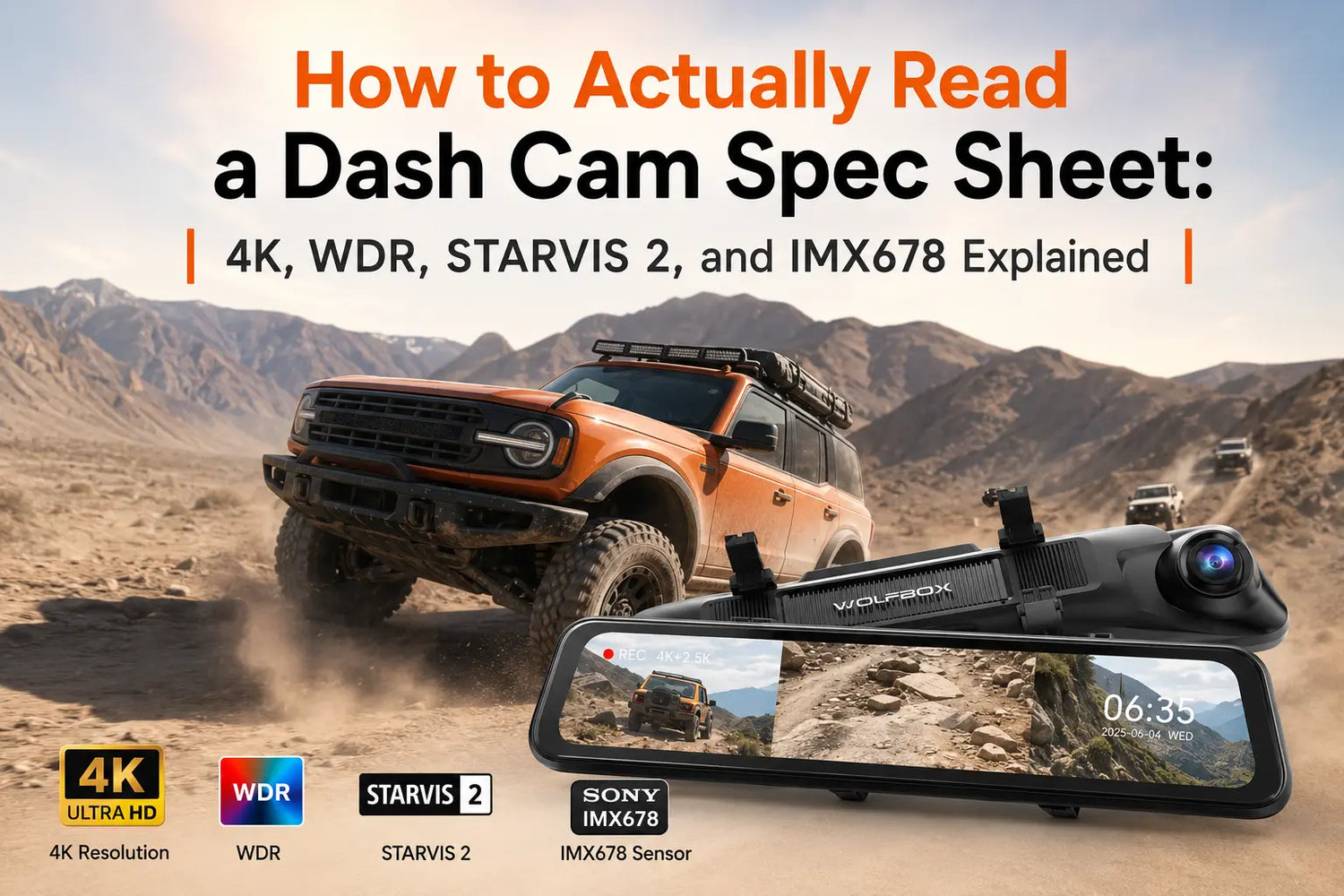
Dash cam listings are full of terms that sound technical and specific but rarely come with any explanation. 'Sony IMX678 STARVIS 2 sensor, 4K@30fps, HDR, WDR, 170 degree FOV, 5.8GHz Wi-Fi.' Every one of those terms is meaningful. None of them explain what they mean for your footage.
This is the plain-language breakdown. Each spec decoded, with what it actually changes in real-world recording.
The Image Sensor: Why It Matters More Than Resolution
The image sensor converts light into digital data. Every other spec—resolution, dynamic range, night performance—depends on the sensor's physical capability. A better sensor at the same resolution produces better footage than a worse sensor.
The key metric is pixel size, measured in micrometers (um). Larger pixels capture more light. Because light capture scales with area, a 2.9um pixel captures approximately four times more light than a 1.4um pixel—not twice as much, but four times, because area scales with the square of the diameter.
Common dash cam sensors compared:
|
Sensor
|
Manufacturer
|
Pixel Size
|
Where It Appears
|
|---|---|---|---|
|
IMX678 STARVIS 2
|
Sony
|
2.9 um
|
Premium dash cams (WOLFBOX G900 Pro, G900 TriPro)
|
|
IMX335
|
Sony
|
2.0 um
|
Mid-range dash cams, security cameras
|
|
SC500AI
|
SmartSens
|
~1.4 um
|
Budget dash cams
|
|
OV4689
|
OmniVision
|
2.0 um
|
Budget to mid-range
|
The WOLFBOX G900 Pro uses the Sony IMX678 STARVIS 2—a 12MP back-illuminated sensor with 2.9um pixels.[1][2] Back-illuminated (BSI) architecture places the light-sensitive layer on top of the circuitry layer rather than beneath it, increasing light capture efficiency. The result is cleaner, more detailed footage at night, in tunnels, and in any situation where light is limited.
STARVIS vs. STARVIS 2: What the Distinction Actually Means
Sony's STARVIS platform refers to back-illuminated sensor technology optimized for low-light imaging. STARVIS 2 is the second generation, adding improved pixel-level electronics that reduce noise and extend the usable sensitivity range further.[1]
Not every camera claiming 'STARVIS' uses STARVIS 2. The specific STARVIS 2 sensor in the 12MP 4K class is the IMX678. If a listing says STARVIS but doesn't specify IMX678, it's likely an older-generation STARVIS sensor with smaller pixels or lower native resolution.
Resolution: The Practical Threshold for License Plate Legibility
Resolution describes the number of pixels in the image. More pixels means more detail, up to the point where other factors—sensor size, optics, processing—become the limiting constraint.
|
Resolution
|
Pixel Dimensions
|
Total Pixels
|
|
4K (UHD)
|
3840 x 2160
|
~8.3 MP
|
|
2.5K (QHD)
|
2560 x 1440
|
~3.7 MP
|
|
1296p
|
2304 x 1296
|
~3.0 MP
|
|
1080p (FHD)
|
1920 x 1080
|
~2.1 MP
|
|
720p (HD)
|
1280 x 720
|
~0.9 MP
|
For dash cams, the practical question is: at what resolution can you reliably read a license plate under real driving conditions?
At 1080p, a plate 2 to 3 car lengths ahead in good daylight is usually readable. At night, at highway speeds, or at a greater following distance, 1080p often isn't enough. At 4K, the margin for legible plates extends significantly in both distance and lighting conditions.
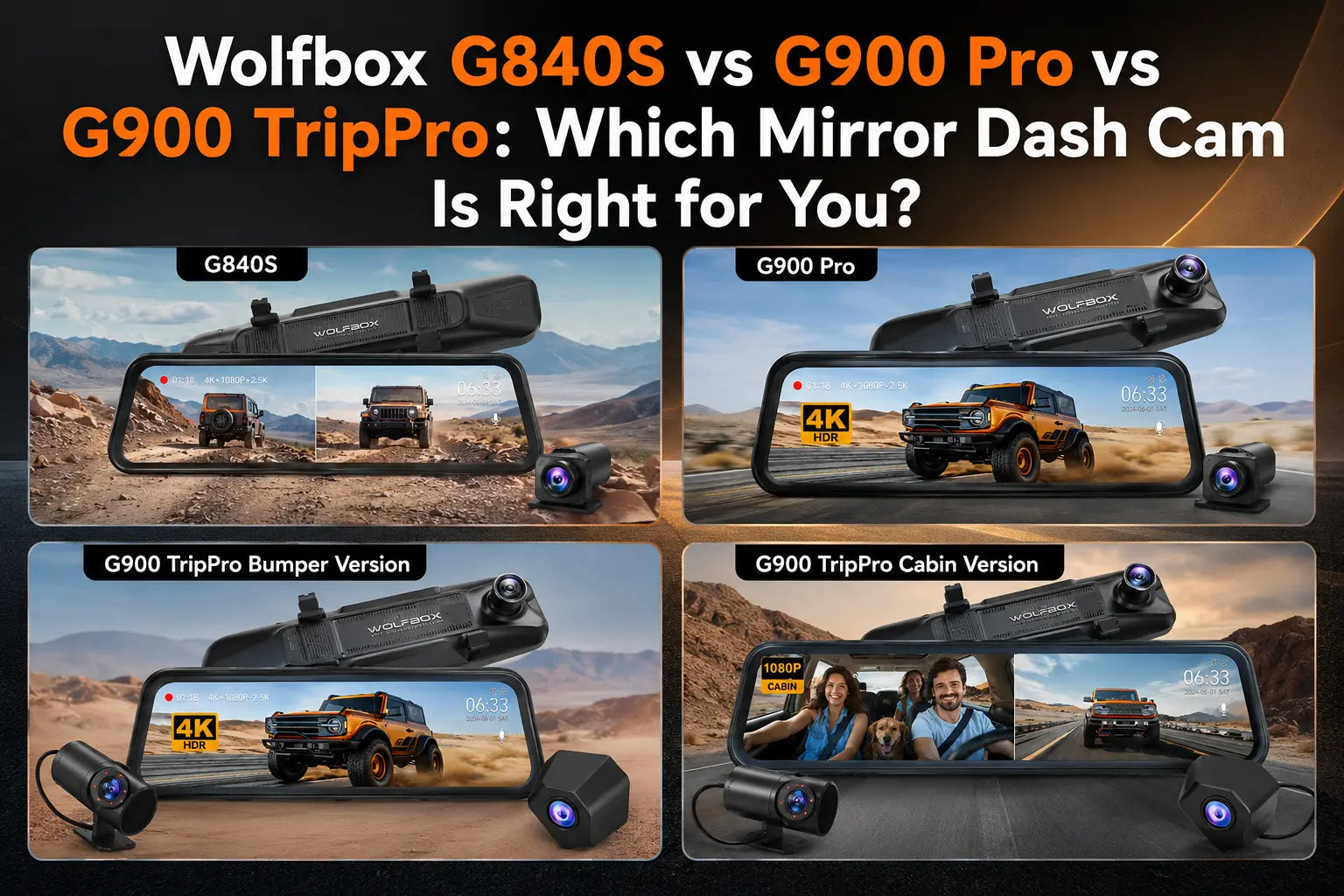
The WOLFBOX G900 Pro records 4K front and 2.5K rear.[1] The G900 TriPro records 4K front, 2.5K rear, and a third 1080p bumper or cabin channel, depending on the version.[3] That 2.5K rear recording is a meaningful advantage for capturing plates of vehicles behind you at typical following distances.

WDR and HDR: Overlapping Terms, One Core Problem
Both WDR (Wide Dynamic Range) and HDR (High Dynamic Range) address the same challenge: a camera can only expose correctly for one brightness level at a time. When a scene contains both bright areas and dark areas—a sunlit road ahead with shadowed cars in the lane beside you, or a tunnel exit blasting into midday sun—standard camera processing blows out the bright parts or loses all detail in the shadows.
WDR works by capturing the scene at multiple exposure levels and compositing them into a single balanced frame in real time. The result is footage that retains detail in both highlights and shadows within the same image.
HDR in dash cams often refers to the same process, or to a complementary tone-mapping pass applied after capture. The terminology is not standardized—a listing that says both WDR and HDR may be describing the same pipeline with two labels. What matters is whether the actual footage handles high-contrast transitions cleanly, which is best assessed by reviewing sample footage in real conditions.
WDR is table stakes for any 4K dash cam used as a primary evidence recording. Without it, footage in tunnel exits, sunrise or sunset driving, or nighttime oncoming headlight situations will consistently fail to capture useful detail.
Frame Rate: When 30fps Is Enough and When It Isn't
Frame rate determines how many frames per second are recorded.
|
Frame Rate
|
Context
|
|
25fps
|
Standard for PAL-region products (EU, AU, many Asia markets)
|
|
30fps
|
Standard for NTSC-region products (US, Canada, Japan)
|
|
60fps
|
Reduced motion blur; useful for capturing fast-moving plates
|
At 30fps, a vehicle passing at 60 mph moves approximately 2.6 feet between frames. In most driving situations, this is fine. If you frequently encounter high-speed pass-throughs or want cleaner freeze-frames of fast-moving vehicles, 60fps helps—but it also roughly doubles the storage requirement for equivalent recording time.
Most 4K dash cams, including WOLFBOX models, record at 30fps at 4K in their standard U.S. configuration, and may offer 60fps at lower resolutions depending on mode. The WOLFBOX G900 Pro records at 4K 30fps front / 2.5K 30fps rear in its standard configuration.[2]

Field of View: What 170 Degrees Actually Captures
Field of view (FOV) is the angular width of what the camera sees. For dash cams, wider generally means more scene coverage—more of the intersection width, more of adjacent lanes—with the trade-off of increasing barrel distortion toward the frame edges.
|
FOV
|
Scene Coverage
|
Distortion
|
|
170 degrees
|
Full intersection width, adjacent lane visibility
|
Moderate edge barrel distortion
|
|
150 degrees
|
Full lane and partial adjacent lane
|
Less edge distortion
|
|
120 degrees
|
Forward lane focused
|
Minimal distortion
|
WOLFBOX front cameras use a 170-degree field of view; rear cameras use 150 degrees.[1] The 170-degree front captures road signage, pedestrians at crosswalks, and vehicles entering from side streets. Objects at the far edges of the frame will appear distorted; objects in the center third are accurate. For identification purposes—reading plates, identifying a vehicle—the center of the frame is what matters.
Why Megapixel Count Doesn't Tell the Whole Story
A 12MP sensor can produce worse footage than an 8MP sensor if the 12MP sensor uses smaller pixels or inferior architecture. The Sony IMX678 is a 12MP sensor, but its advantage is the combination of pixel size (2.9um), back-illuminated design, and STARVIS 2 processing—not the megapixel count alone.[1]
When comparing sensors on a spec sheet, look at pixel size and sensor architecture. These two factors—not the headline megapixel number—determine low-light performance, noise floor, and dynamic range.
Frequently Asked Questions
What does Sony STARVIS 2 mean on a dash cam listing?
Sony STARVIS 2 is a second-generation back-illuminated image sensor architecture. 'Back-illuminated' means the light-sensitive layer sits on top of the circuitry, improving light capture. STARVIS 2 adds enhanced pixel-level noise reduction. The IMX678 is the STARVIS 2 sensor in the 12MP/4K class, with 2.9um pixels that capture approximately four times more light than 1.4um budget sensors.
What is the difference between WDR and HDR on a dash cam?
Both address exposure in high-contrast scenes. WDR typically refers to multi-exposure compositing that balances highlights and shadows in a single frame. HDR in dash cam specs often describes the same process or a complementary tone-mapping pass. The terminology is not standardized across manufacturers—evaluate actual sample footage in high-contrast conditions rather than relying on label alone.
Is 4K actually necessary for a dash cam?
4K significantly extends the range at which license plates are legible and improves clarity in low light compared to 1080p. For evidence-quality recording—insurance claims, police reports, legal disputes—4K front recording provides substantially more reliable plate legibility across varied real driving conditions.
What does pixel size tell me when comparing sensors?
Pixel size (measured in micrometers, um) determines how much light each pixel captures. Larger pixels capture more light, produce less noise at low light, and maintain more detail in shadows. The IMX678's 2.9um pixels capture approximately four times more light than a 1.4um budget sensor—the primary reason for the visible night footage quality difference.
What frame rate should I look for?
30fps (or 25fps for PAL-region products) is sufficient for evidence-quality recording at 4K. 60fps reduces motion blur on fast-moving vehicles and is offered by some cameras at 2.5K or 1080p. The storage trade-off for 60fps at 4K is significant; most buyers don't need it.
Does a wider FOV always mean better footage?
Not always. 170 degrees captures more scene width but introduces barrel distortion at the edges. Objects in the center of the frame are accurate; objects at the far edges may appear stretched. For license plate identification, which happens in the center of the frame, the FOV trade-off is minor. For capturing a vehicle entering from an extreme angle, wider coverage is an advantage.
References
- WOLFBOX G900 Pro product page—Sony STARVIS 2 IMX678, 4K front, 2.5K rear, 170/150-degree FOV: https://wolfbox.com/products/wolfbox-2024-g900-pro-wifi-touch-screen-parking-monitoring-dash-cam-smart-mirror-with-starvis-678-sensor
- WOLFBOX G900 Pro review blog—STARVIS 2 IMX678 sensor analysis and model overview: https://wolfbox.com/blogs/dash-cams/wolfbox-g900-pro-review
- WOLFBOX G900 TriPro Bumper Version product page—4K front, 2.5K rear, 1080p bumper channel, Sony IMX678 + OmniVision sensors: https://wolfbox.com/products/wolfbox-g900tripro-bumper-version-3-channel-rearview-mirror
- WOLFBOX Dash Cam collection—2026 full lineup: https://wolfbox.com/collections/dash-cam
- WOLFBOX best 4K dash cam 2025 blog—G900 Pro specs and sensor comparison: https://wolfbox.com/blogs/dash-cams/best-4k-dash-cam-2025
- WOLFBOX vs Viofo vs Vantrue—independent brand and model comparison, G900 Pro verified: https://wolfbox.com/blogs/dash-cams/wolfbox-vs-viofo-vs-vantrue
- WOLFBOX G900 vs G900 Pro—upgrade comparison and sensor explanation: https://wolfbox.com/blogs/dash-cams/wolfbox-g900-vs-g900-pro
- WOLFBOX 'Find Your Perfect Dash Cam' selector tool: https://wolfbox.com/pages/find-your-perfect-dash-cam

Leave a comment
All comments are moderated before being published.
This site is protected by hCaptcha and the hCaptcha Privacy Policy and Terms of Service apply.