






WOLFBOX Brands
WOLFBOX Brands
When you purchase a dash cam, there is one setting that makes a difference, and that is the frame rate. The frame rate of a dash cam affects how smooth the video looks, how clearly it captures movement, how much storage space you will need, and how useful the footage will be after something happens.
A lot of people compare 30fps. 60Fps dash cam settings before they decide on a model, because a dash cam is not just for recording the road. A dash cam is there to give you footage that you can actually use when you need it.
If you are looking at the dash cams, it is helpful to understand what frame rate really does before you think about the brand, the size of the screen, or any extra features that it might have.
FPS is the number of pictures your camera takes every second. It is also called frames per second. Sony says that if you have an FPS, the video will look smoother and more natural. Garmin also says that if you want an FPS or a higher resolution, you will need more space on your memory card.
When people talk about 30fps and 60fps, they are really asking if they should get frames to make the video look smoother or if they should save space on their memory card and keep things simple. This is important for dash cams because when you are driving, there is a lot of movement, like cars moving, people changing lanes, and traffic lights. You also have to think about road signs. Sometimes you have to stop really fast.
FPS is important for dash cams because it helps you see what happened if you need to look at the video frame by frame. This is one reason why the timing of the video matters when you are talking about video from a car. Sony and Garmin are companies that make cameras and other devices that use FPS. FPS is a part of what makes video look good, so it is something to think about when you are using a dash cam.
Feature |
30fps |
60fps |
Motion smoothness |
Good for normal driving |
Smoother for fast motion |
Storage use |
Lower |
Higher |
File size |
Smaller |
Larger |
Best for |
Daily city driving, longer recording time |
Highways, fast traffic, action-heavy scenes |
Low-light tradeoff |
Often better balanced |
May need more light, depending on the camera and settings |
The low-light point above is a practical inference from shutter speed guidance. Sony explains that video settings are tied to frame rate, with 30p commonly paired around 1/60 sec and 60p around 1/125 sec. In real-world use, that often means 30fps can be a little friendlier in darker conditions, while 60fps is better at handling motion.
A dash cam is different from a regular camera. You are not filming a calm scene. You are recording things that can move very quickly across the frame.
That means frame rate affects:
How smooth passing cars look
How easy it is to pause on a useful frame
How much motion blur you see
How much footage fits on your memory card
For example, Garmin's support information shows that on one model, an 8GB card stores about 0.9 hours at 1080p60 and about 1.4 hours at 1080p30 HDR. That is a clear reminder that higher FPS usually costs you recording time. Kingston also notes that dash cams commonly shoot at 30 to 60 fps and says 60fps gives higher image quality but uses roughly twice the storage space.
So the best setting is not always the highest one. It is the one that matches how and where you drive.
This is one of the most common comparisons because many drivers want Full HD footage without jumping to larger 4K files.
With 1080p 60fps vs 1080p 30fps, the resolution stays the same, but the number of frames changes. That means the difference is mostly about motion, smoothness, and storage, not pixel count.
Here is the simple breakdown:
Choose 1080p 30fps if you want:
Longer recording time
Smaller files
A more balanced everyday setting
Better efficiency for long commutes or parking coverage
Choose 1080p 60fps if you want:
Smoother footage
More frame detail in fast-moving scenes
Better playback when vehicles pass quickly
Extra clarity during highway driving or aggressive traffic
In day-to-day use, 1080p 60fps vs 1080p 30fps usually comes down to this: 30fps is enough for many drivers, while 60fps is more useful when speed and motion matter more.
If you are considering a dash cam front and rear, this balance becomes even more important, because two-channel systems already create more video data than a single camera setup.
The honest answer is: it depends on your driving habits.
Choose 30fps if:
You do mostly city driving
You want longer loop recording time
You leave your car recording for long periods
You want a practical, lower-storage setting
Choose 60fps if:
You drive a lot on highways
You want smoother playback
You often drive in fast traffic
You care about capturing motion with more frame detail
If your daily driving includes quick lane changes, faster passing speeds, and more road movement, 60fps can be worth it. If your goal is reliable recording with less storage pressure, 30fps is often the smarter pick.
That is why there is no universal winner in 30fps vs 60fps. The better option depends on whether you value smoothness or efficiency more.
Here is a simple rule many drivers can follow:
30fps is the better default. 60fps is the better specialist setting.
That means if you are not sure, start with 30fps. It gives solid video quality, saves space, and works well for most normal driving situations.
Then move to 60fps if:
You notice too much motion blur in fast scenes
You drive mainly on open roads or motorways
Your dash cam and memory card can handle larger files well
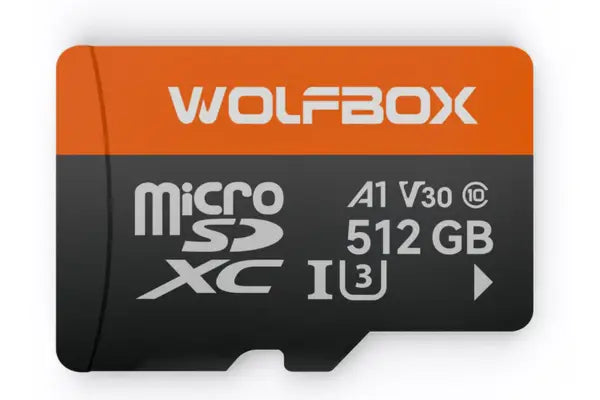
Garmin and Kingston both point to the same practical truth: higher frame rate settings need more data handling and more storage, so your memory card choice matters too. High-endurance cards are especially important for dash cams because they record and rewrite footage constantly.
If you want to learn more from trusted sources, these two guides are useful:
The right frame rate also depends on the camera style you prefer.
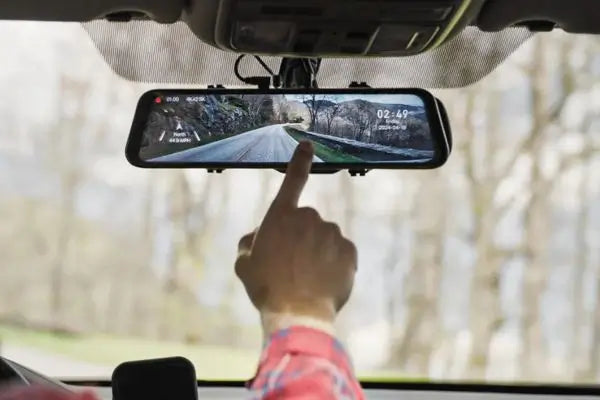
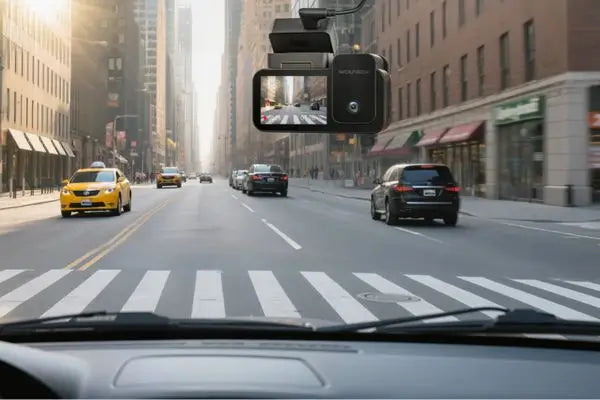
A standard Wolfbox dash cam can be a strong choice if you want a clean setup and reliable daily recording. If you want a display that blends into your car’s interior, mirror dash cams are popular because they combine recording with a rearview-style screen.
No matter which style you choose, the best setup is the one that gives you clear footage without creating more storage problems than you need.
For most people, 30fps is a smart and dependable choice. It gives good footage, smaller files, and longer recording time. For drivers who spend more time at high speeds or want smoother motion capture, 60fps can be worth the extra storage.
So when you compare 30fps vs 60fps, do not just ask which one sounds better on paper. Ask which one fits the way you actually drive.
If you want a simple answer, here it is:
30fps: better for everyday efficiency
60fps: better for smoother motion and fast-action scenes
That is the real difference, and for most buyers, that is all you need to make the right choice.
No. 60fps gives smoother footage, but it also uses more storage. For many drivers, 30fps is already enough for daily use. Garmin and Kingston both note that higher FPS settings need more memory space.
It can help in fast-moving scenes because it records more frames each second, which may give you a better chance of pausing on a useful moment. But plate readability also depends on resolution, lens quality, lighting, and exposure. This is a practical inference based on how frame rate works and why known frame rates matter in video review.
Yes. Lower FPS generally means smaller files and longer recording time. Garmin support data and Kingston both support this.
Use a reliable high-endurance microSD card. Kingston specifically recommends high-endurance cards for dash cam use because of constant rewriting, and warns that the right speed matters to avoid dropped frames.